FireStick is one of the easiest ways to use Android-based apps on a bigger screen, and many users want to install Sportzfy on FireStick for sports events. If you follow football, cricket, FIFA World Cup matches, or other sports, using Sportzfy on FireStick can feel more comfortable than watching everything on a small phone.
Since Sportzfy is an APK app, it is not installed from the Amazon Appstore like regular FireStick apps. You need to use the Downloader app to install the APK manually.
In this guide, we will explain how to install Sportzfy on FireStick using the Downloader app, how to use the AFT DL Code 3927359, and what to do if the app does not install or open properly.
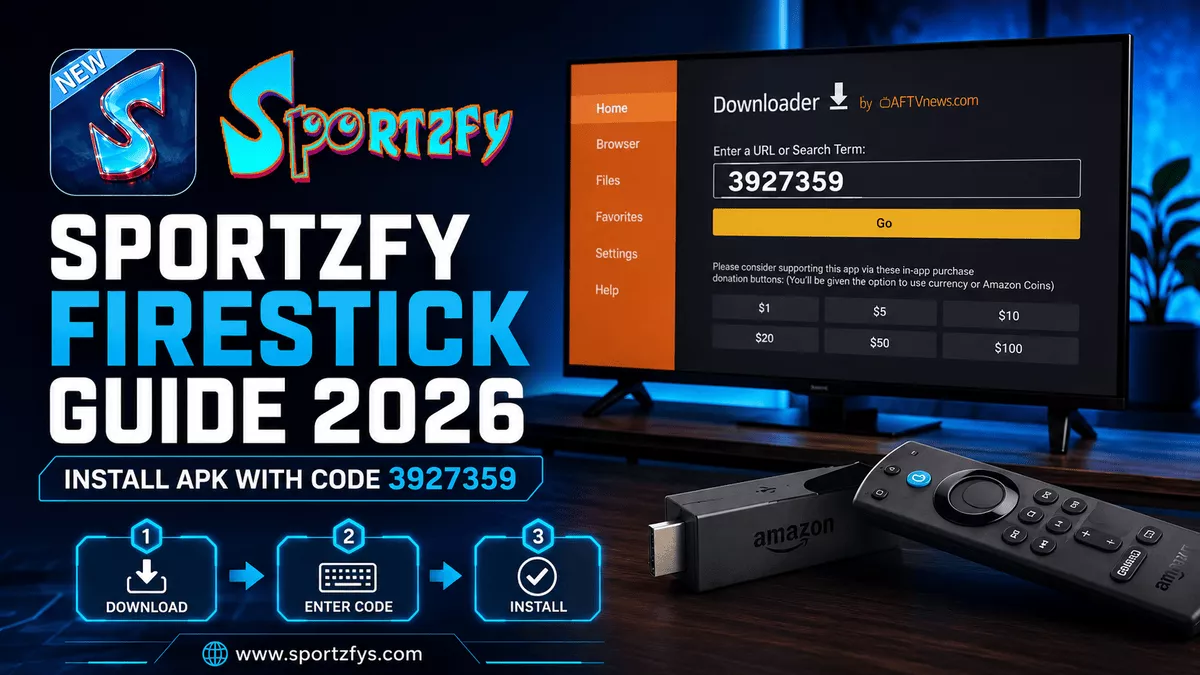
AFT DL Code: 3927359
FireStick Installation Quick Info
Can You Install Sportzfy on FireStick?
Yes, you can install Sportzfy on FireStick, but it needs to be installed as an APK file. FireStick runs on Fire OS, which is based on Android, so many Android APK apps can work on it through manual installation.
Sportzfy App https://gysongling.com/is not installed directly from the Amazon Appstore. Users need to use the Downloader app to download and install the APK on FireStick.
This method is useful for users who want to check sports events on a larger TV screen instead of using a mobile phone.
Requirements Before Installing Sportzfy on FireStick
Before installing Sportzfy, make sure your FireStick is ready. This helps avoid installation errors, APK download problems, or app not opening issues.
A stable WiFi connection is important because Sportzfy is mainly used for live sports events. Also, keep your FireStick updated so apps can install and run more smoothly.
Method 1: Install Sportzfy on FireStick Using Downloader App
The Downloader app is the easiest way to install Sportzfy on FireStick. You do not need a USB drive or computer. Everything can be done directly from your FireStick device.
Step 1: Install Downloader App
Open the Amazon Appstore on your FireStick and search for Downloader. Install the Downloader app by AFTVnews and open it after installation.
Step 2: Enable Unknown Apps
Before installing the Sportzfy APK, you need to allow Downloader to install apps from outside the Amazon Appstore.
FireStick Setting Path
- Open Settings on FireStick.
- Go to My Fire TV.
- Open Developer Options.
- Select Install Unknown Apps.
- Turn Downloader to ON.
Step 3: Enter Sportzfy Downloader Code
Open Downloader and enter this code:
This code will open the Sportzfy download page directly on your FireStick.
Step 4: Download and Install Sportzfy APK
After the page opens, download the latest Sportzfy APK. When the download finishes, select Install and wait for the process to complete.
Install Steps
- Wait for the APK file to finish downloading.
- Select Install.
- Wait until installation is complete.
- Click Done or Open.
- Delete the APK file from Downloader if you want to free storage.
Step 5: Open Sportzfy on FireStick
After installation, open Sportzfy from your apps section. You can now browse live, recent, and upcoming sports events from your FireStick.
Method 2: Install Sportzfy on FireStick Using Direct URL
If the Downloader code does not work, you can also install Sportzfy by entering the direct download page URL inside the Downloader app.
Steps to Install With URL
- Open the Downloader app on FireStick.
- Go to the URL field.
- Enter the Sportzfy download page URL.
- Wait for the page to load.
- Select the latest Sportzfy APK.
- Download the file.
- Tap Install after the APK finishes downloading.
- Open Sportzfy from your apps section.
The Downloader code is usually faster, but the URL method is a good backup if the code does not open properly.
How to Use Sportzfy on FireStick
After installation, open Sportzfy from your FireStick apps section. The app will show sports events and categories on the main screen.
You Can Browse
Check currently active sports events from the main screen.
Browse recently listed sports events without using a phone.
Prepare before kickoff by checking upcoming event cards.
Explore football, cricket, and other available sports sections.
FireStick is useful for users who prefer watching sports on a TV screen instead of a mobile phone. For big football or cricket matches, open Sportzfy a few minutes before the match starts so you can check the event and connection early.
Best FireStick Settings for Sportzfy
To get a smoother Sportzfy experience on FireStick, a few simple settings can help. These tips are useful during live sports events when many users open the app at the same time.
Recommended Tips
- Use a stable WiFi connection.
- Keep your FireStick close to the router.
- Restart FireStick before big matches.
- Close background apps when possible.
- Keep Sportzfy updated to the latest version.
- Clear app cache if Sportzfy becomes slow.
- Open Sportzfy a few minutes before kickoff.
Common Problems and Fixes
Some users may face small issues while installing or using Sportzfy on FireStick. Most of these problems can be fixed with simple steps.
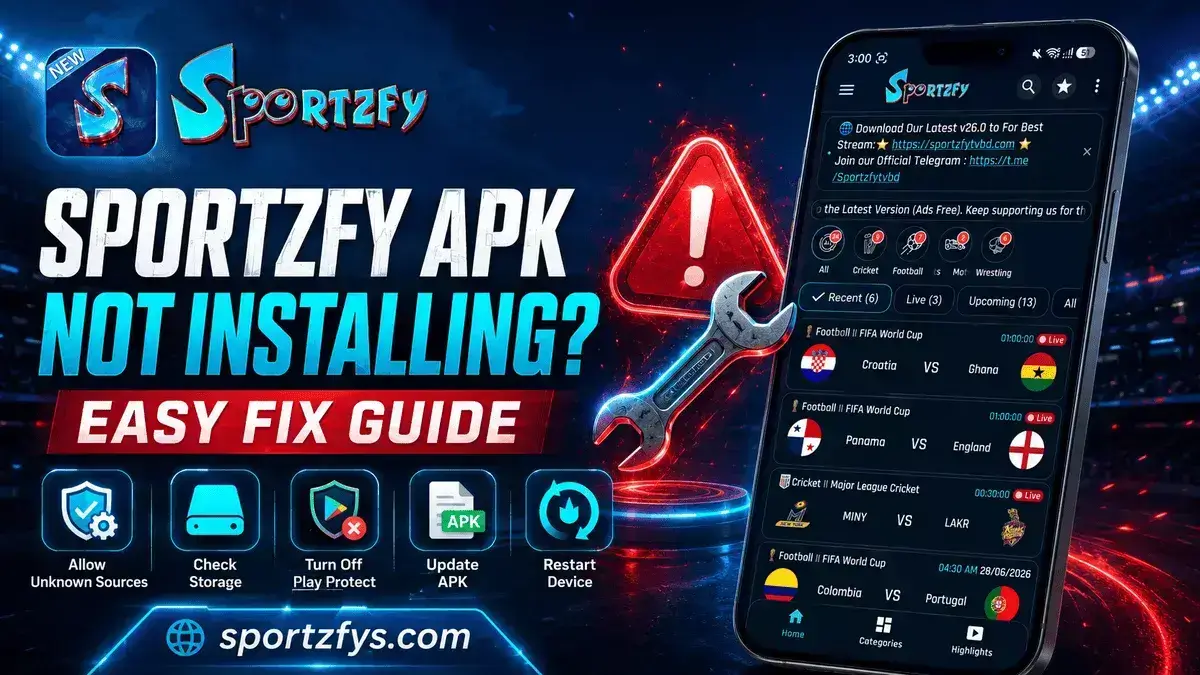
Sportzfy APK Not Installing
- Make sure Install Unknown Apps is enabled for Downloader.
- Check if your FireStick has enough free storage.
- Download the APK again from a trusted source.
- Restart FireStick and try installing again.
Downloader Code Not Working
- Check that the code is entered correctly: 3927359.
- Restart the Downloader app.
- Check your internet connection.
- Try using the direct URL method instead.
Sportzfy App Not Opening
- Restart the app.
- Clear Sportzfy cache.
- Restart FireStick.
- Update to the latest Sportzfy version.
Buffering During Live Matches
- Use stable WiFi.
- Move FireStick closer to the router.
- Close other apps.
- Try another event link or channel.
If the app still does not work properly, check our Sportzfy Not Working guide for more detailed fixes.
Sportzfy on FireStick vs Android TV
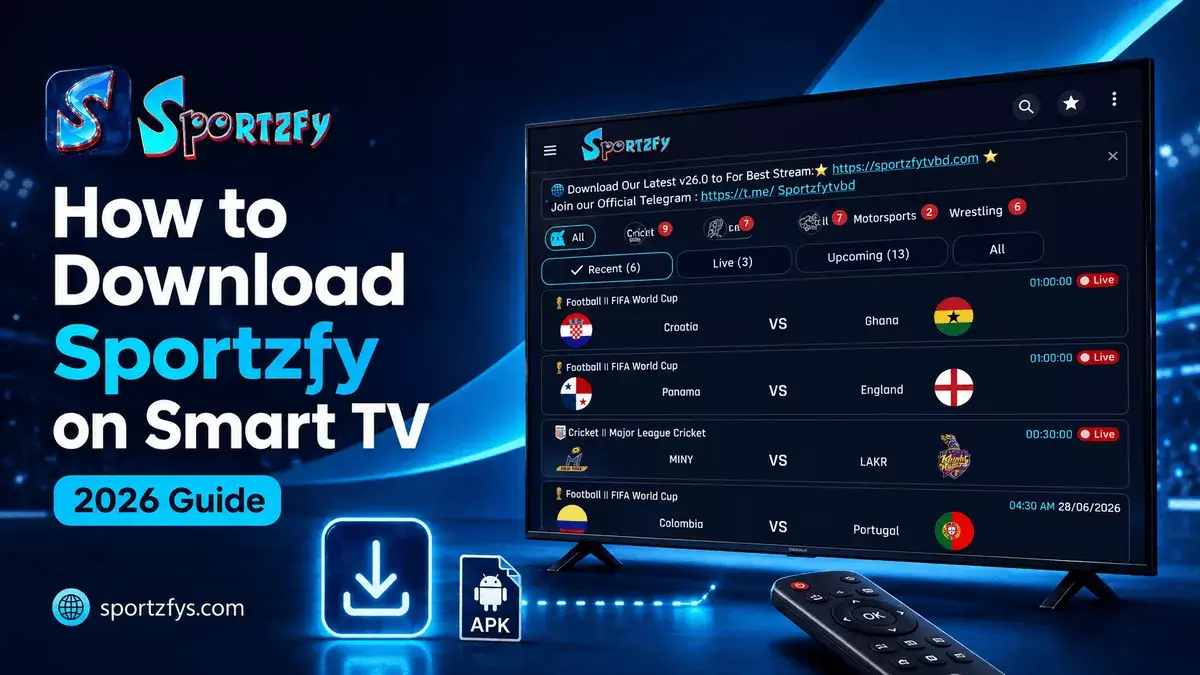
Sportzfy can work on both FireStick and Android TV, but the setup process is slightly different. FireStick users usually install the app through Downloader, while Android TV users can use Downloader or USB.
Both options are good for watching sports on a bigger screen. If you already use FireStick, the Downloader method is simple and quick.
You can also read our full Sportzfy Android TV installation guide if you want to install the app on Android TV, Google TV, or TV boxes.
Why FireStick Is Useful for FIFA World Cup 2026
During FIFA World Cup 2026, many users prefer watching matches on a TV screen instead of a mobile phone. FireStick makes this easier because it turns a normal TV into a smart streaming device.
For football fans, this means a more comfortable match experience, especially during long games or late-night fixtures. Users can sit back, use the FireStick remote, and browse Sportzfy events directly from the TV.
If you follow football regularly, installing Sportzfy on FireStick can be a good option for checking live and upcoming sports events on a bigger screen.
Open Sportzfy 10–15 minutes before kickoff on FireStick. This gives you time to check the event, test WiFi, and avoid last-minute loading issues.
If Sportzfy buffers or shows a black screen during a match, read our Sportzfy Not Working During FIFA World Cup guide for match-time fixes.
Safety Tips Before Installing Sportzfy on FireStick
Because Sportzfy is installed through an APK file, users should be careful before downloading. Fake APK files can create problems such as crashes, too many ads, black screen issues, or installation errors.
Before You Install
- Download Sportzfy only from a trusted source.
- Check the version number before installing.
- Check the APK size and avoid unusual files.
- Do not install modified or “premium unlocked” APK files.
- Remove old suspicious versions before installing the latest update.
- Keep your FireStick updated for better compatibility.
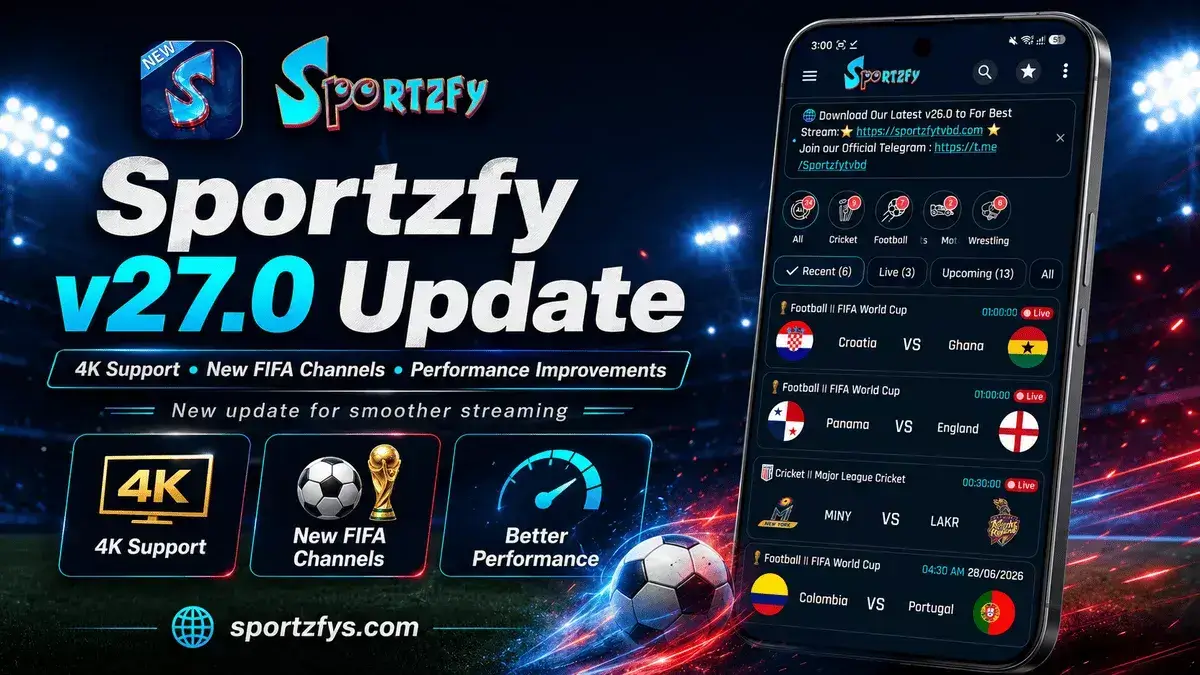
For the newest features and bug fixes, check our Sportzfy TV v26.0 update guide before installing the APK.
Frequently Asked Questions
Does Sportzfy work on FireStick?
Yes. Sportzfy works on most Amazon FireStick devices, including Fire TV Stick, Fire TV Stick 4K, Fire TV Stick 4K Max, and Fire TV Cube.
Can I install Sportzfy without Downloader?
Downloader is the easiest method. You can also use a direct download URL inside Downloader if the AFT DL Code does not open properly.
What is the Sportzfy Downloader Code?
The current AFT DL Code is 3927359. Enter this code in the Downloader app to open the Sportzfy download page directly.
Is Sportzfy available on the Amazon Appstore?
No. Sportzfy is distributed as an APK file, so it must be installed manually using Downloader or another sideloading method.
Which Sportzfy version should I install?
Always install the latest available version. New updates include bug fixes, better performance, and improvements for major sports events like FIFA World Cup 2026.
Can I watch FIFA World Cup 2026 on FireStick?
Sportzfy can be installed on FireStick and used to access sports-related content on a larger TV screen. Users should always follow local broadcasting rights and official tournament coverage where available.
Why is Sportzfy not installing on FireStick?
This usually happens when Install Unknown Apps is not enabled, FireStick storage is low, the APK file is damaged, or the file was downloaded from an unreliable source.
Final Words
Installing Sportzfy on FireStick is simple and only takes a few minutes. With the Downloader app and AFT DL Code 3927359, you can download and install the latest Sportzfy APK directly on your device without needing a computer.
Once installed, Sportzfy lets users browse live, recent, and upcoming sports events from the comfort of a TV screen. Whether you enjoy football, cricket, or other sports, FireStick provides a larger screen and a more comfortable viewing experience.
For the best performance, keep Sportzfy updated, use a trusted download source, and make sure your FireStick has a stable internet connection before every big match.