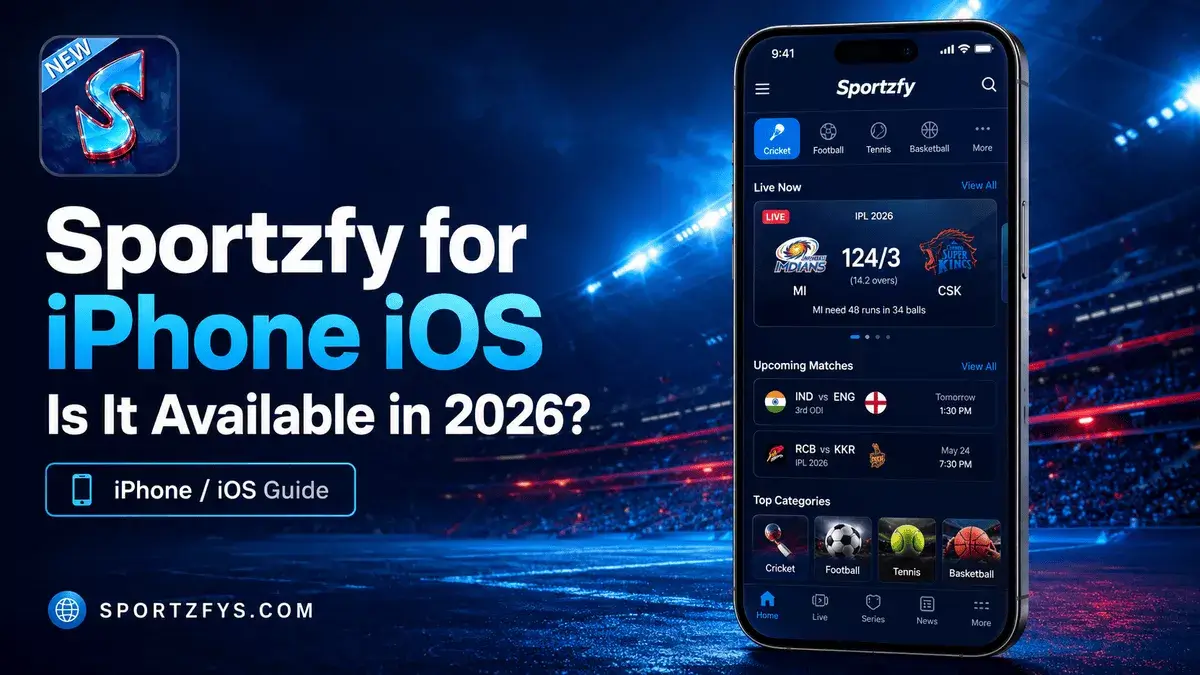
Many iPhone users search for Sportzfy because they want to enjoy sports updates and events on their iPhone just like Android users. However, there is one important thing to know before trying to download the app.
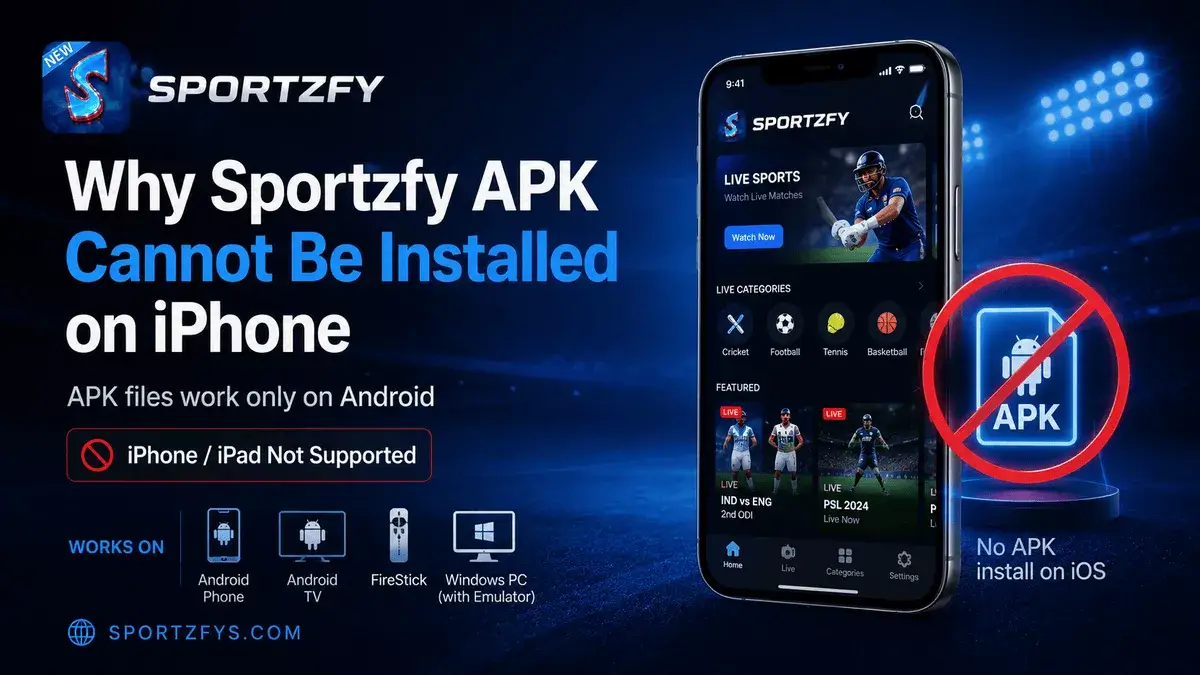
At the moment, Sportzfy is not officially available for iPhone or iPad. The app is currently developed as an Android APK, and iOS devices cannot install APK files. There is also no official Sportzfy app on the Apple App Store.
If you find websites claiming to offer a Sportzfy iOS download, Sportzfy IPA file, or “Sportzfy for iPhone,” you should be careful. Many of these pages are unofficial and may provide misleading information or files that are not related to the real Sportzfy app.
In this article, we explain why Sportzfy is not available for iPhone, why APK files cannot work on iOS, what iPhone users should know before downloading, and whether an official iOS version may become available in the future.
Sportzfy iPhone Availability Summary
Is Sportzfy Available for iPhone?
The short answer is no. At the time of writing, Sportzfy is not officially available for iPhone or iPad.
Sportzfy has been developed as an Android application, which means it is distributed as an APK file for Android devices. Apple devices use a completely different system, so Android APK files cannot be installed or opened on iOS.
There is also no official Sportzfy application on the Apple App Store. If an official iPhone version is released in the future, it should be announced through trusted Sportzfy sources. Until then, iPhone users should avoid websites that claim to provide an official Sportzfy iOS download.
You cannot install the Sportzfy APK on iPhone because APK files are made for Android, not iOS.
Why Sportzfy APK Cannot Be Installed on iPhone
Many users try downloading the Sportzfy APK on their iPhone, but the installation does not work. This happens because APK files are designed only for Android devices.
Apple uses a different operating system called iOS, which does not support Android APK files. Instead, iPhone apps are distributed through the Apple App Store, and they follow a completely different installation process.
Because of this difference, downloading the Sportzfy APK on an iPhone will not install or open the app. It does not matter which iPhone model you are using.
Sportzfy APK Will Not Install On
- iPhone 16 series
- iPhone 15 series
- iPhone 14 series
- iPhone 13 series
- iPhone SE
- iPad and iPadOS devices
If you want to use Sportzfy today, you will currently need a supported device such as an Android phone, Android TV, FireStick, or a Windows PC using an Android emulator.
Is There a Sportzfy IPA File?
Some websites claim to offer a Sportzfy IPA for iPhone users, but there is no officially verified Sportzfy IPA file available at the time of writing.
Because many users search for “Sportzfy iOS download” or “Sportzfy IPA,” some unofficial websites create fake download pages to attract visitors. These pages may show download buttons, ask users to install unknown profiles, or redirect them to unrelated apps and surveys.
Before Downloading, Remember
- There is no official Sportzfy IPA available.
- Sportzfy is not listed on the Apple App Store.
- Avoid installing unknown configuration profiles on your iPhone.
- Do not trust websites that promise “one-click Sportzfy iOS installation.”
- Do not enter your Apple ID on unofficial download pages.
If an official iPhone version or IPA is ever released, this page can be updated with complete installation instructions and download information.
Fake Sportzfy iOS Download Pages
Because many people search for Sportzfy for iPhone, some websites create fake iOS download pages to attract visitors. These pages often claim to provide a working iPhone version, even though no official iOS app is currently available.
Some of these websites may display fake download buttons, ask users to complete surveys, install unknown profiles, or download files that are not related to Sportzfy. Besides wasting time, these downloads can also create security and privacy risks.
Signs of a Fake Sportzfy iOS Page
The page says “Sportzfy IPA working 100%” without any official proof.
The website asks you to install a configuration profile on your iPhone.
The page asks you to complete tasks or surveys before downloading.
The download button redirects you to another app or unknown file.
Before Downloading, Remember These Tips
- Do not trust websites promising an official Sportzfy iPhone app.
- Avoid downloading unknown IPA files.
- Never install configuration profiles from untrusted sources.
- Do not enter your Apple ID on unofficial download pages.
- Always verify information through trusted Sportzfy sources.
What Can iPhone Users Do Instead?
If you use an iPhone, the best option is to wait for an official iOS release. At the moment, there is no official Sportzfy app for iPhone, so trying random downloads is not recommended.
If you want to use Sportzfy today, you can choose one of the supported devices below.
Best option for the complete Sportzfy APK experience.
Useful for watching sports on a bigger TV screen.
Good for users who prefer a TV-based setup.
Works through an Android emulator like BlueStacks or LDPlayer.
If you need help setting up Sportzfy on another device, you can read our guides for Sportzfy on Android TV, Sportzfy on FireStick, and Sportzfy on PC or Laptop. These guides explain the installation process step by step.
Will Sportzfy Come to iPhone in the Future?
At the moment, there is no official announcement confirming that Sportzfy will be released for iPhone or iPad. The app continues to focus on Android devices, where new updates and features are released regularly.
However, many iPhone users continue to search for an iOS version, so it is possible that official support could be considered in the future. Until there is a confirmed announcement, users should not rely on unofficial websites claiming that an iPhone version has already been released.
If Sportzfy officially launches for iOS, this page can be updated with App Store availability, installation instructions, and everything iPhone users need to know.
If a real Sportzfy iOS version is released, users should verify it through official Sportzfy sources and the Apple App Store before downloading.
Safety Tips for iPhone Users
If you are using an iPhone, it is important to be careful when searching for Sportzfy downloads. Since there is no official iOS version at the moment, many unofficial websites use misleading download buttons and fake installation methods.
To Protect Your iPhone
- Download apps only from the Apple App Store.
- Do not install unknown IPA files from random websites.
- Avoid configuration profiles from untrusted sources.
- Never enter your Apple ID on unofficial download pages.
- Ignore websites claiming “100% working Sportzfy for iPhone” without an official announcement.
- Check Sportzfys.com for any future updates about iOS availability.
Sportzfy iPhone vs Android Availability
The main difference is simple: Android supports APK installation, while iPhone does not. This is why Sportzfy can be installed on Android devices but not directly on iPhone or iPad.
Frequently Asked Questions
Can I download Sportzfy on iPhone?
No. Sportzfy is not officially available for iPhone or iPad at this time.
Is Sportzfy available on the Apple App Store?
No. There is currently no official Sportzfy application on the Apple App Store.
Can I install the Sportzfy APK on iPhone?
No. APK files are made for Android devices and cannot be installed on iOS.
Is there an official Sportzfy IPA file?
No. At the time of writing, there is no officially verified Sportzfy IPA available.
Can I use Sportzfy on iPad?
No. Just like iPhone, iPad uses iPadOS, which does not support Android APK files.
Which devices currently support Sportzfy?
Sportzfy currently works on supported Android devices, including Android phones, Android TV, FireStick, and Windows PCs through Android emulators.
Should I trust Sportzfy iOS download websites?
No. If there is no official iOS release, websites claiming to offer Sportzfy for iPhone should be checked very carefully. Avoid unknown IPA files, profiles, and unofficial download buttons.
Final Words
At the moment, Sportzfy is not officially available for iPhone or iPad, and there is no verified iOS app or IPA file. If you come across websites claiming to offer an official iPhone version, always verify the information carefully before downloading anything.
Until an official iOS version is announced, the safest way to use Sportzfy is on supported devices such as Android phones, Android TV, FireStick, or a Windows PC with an Android emulator.
If Sportzfy is ever released for iPhone, this page can be updated with complete details, App Store availability, and installation instructions. For now, iPhone users should avoid fake iOS download pages and follow trusted Sportzfy sources for future updates.